
Welcome to the Change Request Guide
To access this use the navigation panel and navigate to the "amazon change request" or "change request" section depending on the version of the client portal you are on.
Below is an image containing the form for the change request in its entirety.
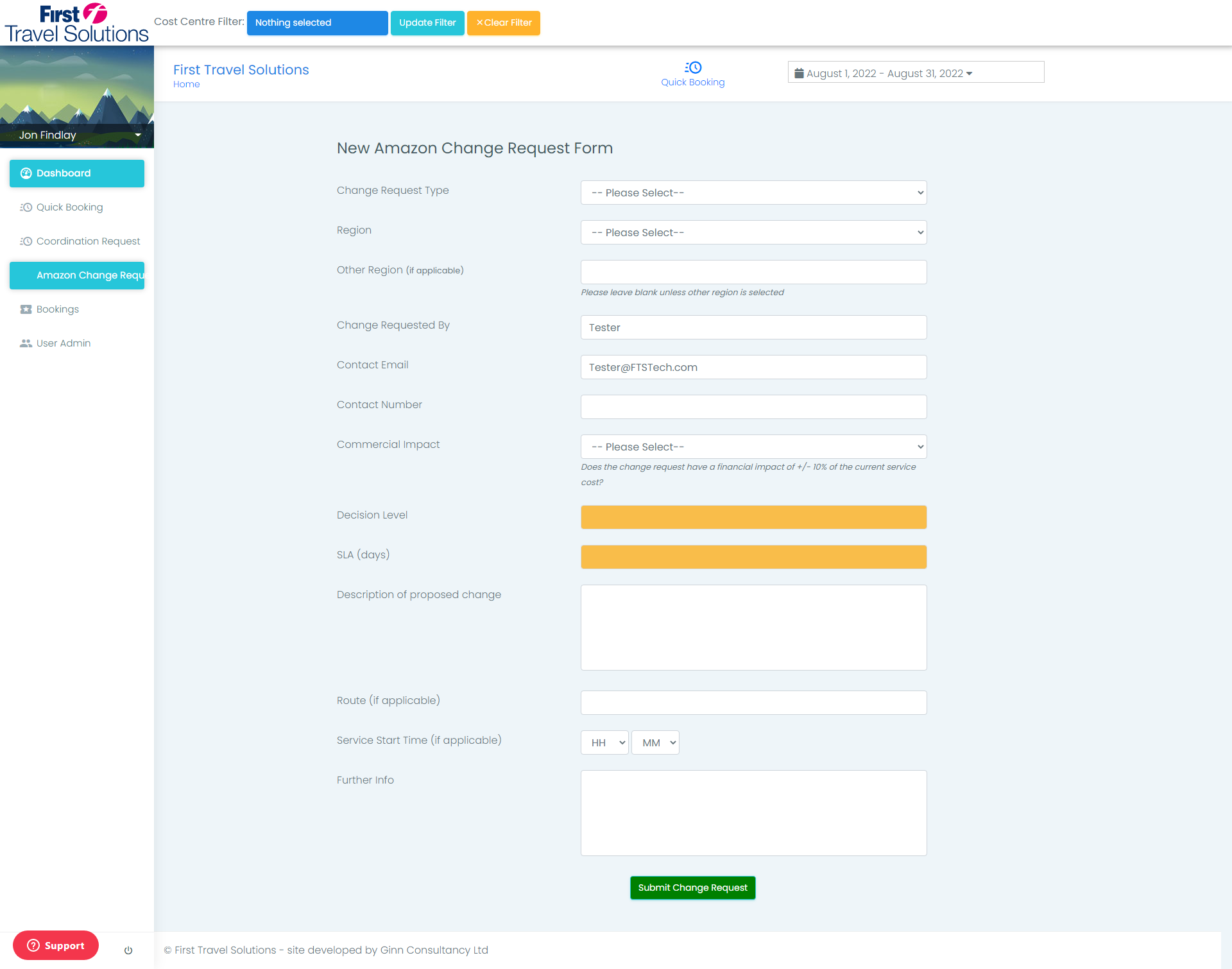 |
Change Request Type
Please select the drop down menu and select the change request type you wish to proceed with.
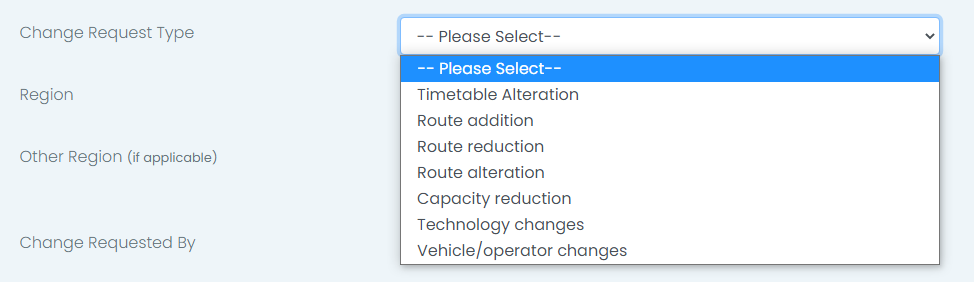 |
Region
Please select the drop down menu and select the Region for this change request, if the region is not on this menu please select other and proceed to the next section.
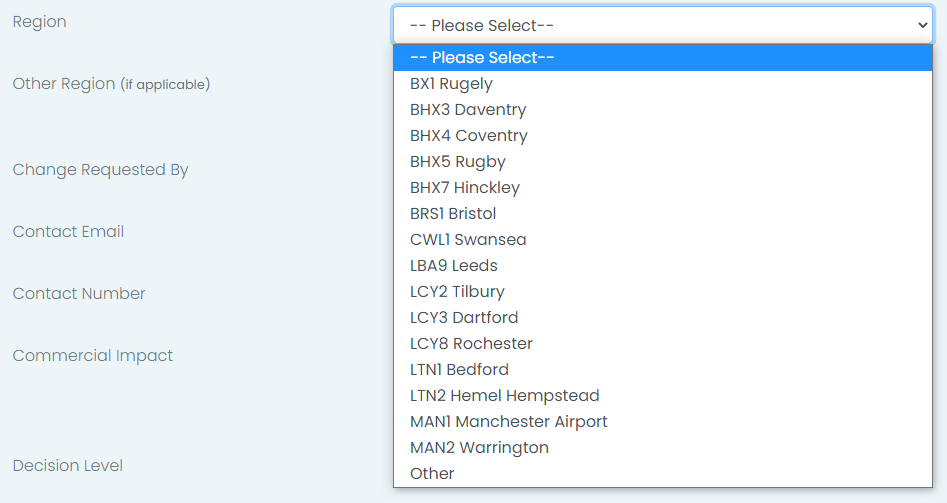 |
Other Region
This section is to be filled if the previous choice was "other" to the region. To fill simply type the name of the region in its entirety within this section and proceed to the next section.
 |
Change Requester
Enter the name of the requester ( your name ) here.
 |
Contact Email
Enter the Email address of the requester here ( your email address ).
 |
Contact Number
Please enter the contact number for the requester in this section making sure to double check.
 |
Commercial Impact
Please select the drop down and choice from the 2 options listed for commercial impact.
 |
Decision Level and SLA Terms
These sections will autofill based on the previous sections. if they have not updated this may be due to a "other" region being selected.
 |
Change Description
Please enter a concise description of the current change request.
 |
Route
Please enter the change request route.
 |
Service Start Time
Please select the dropdown menus and select a start time for the service.
Dropdown "HH" is for the hour of the day the service is to begin.
Dropdown "MM" is for the minutes of the hour the service is to begin.
Example:
"HH" Selected 10
"MM" Selected 15
Start time would be 10:15.
 |
Further Information
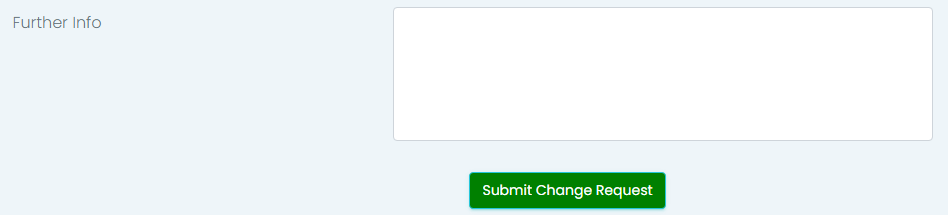
If the change request requires further information please enter that here.
 |
Comments
0 comments
Please sign in to leave a comment.